Who Can Enroll in the Canva Mastery Course?
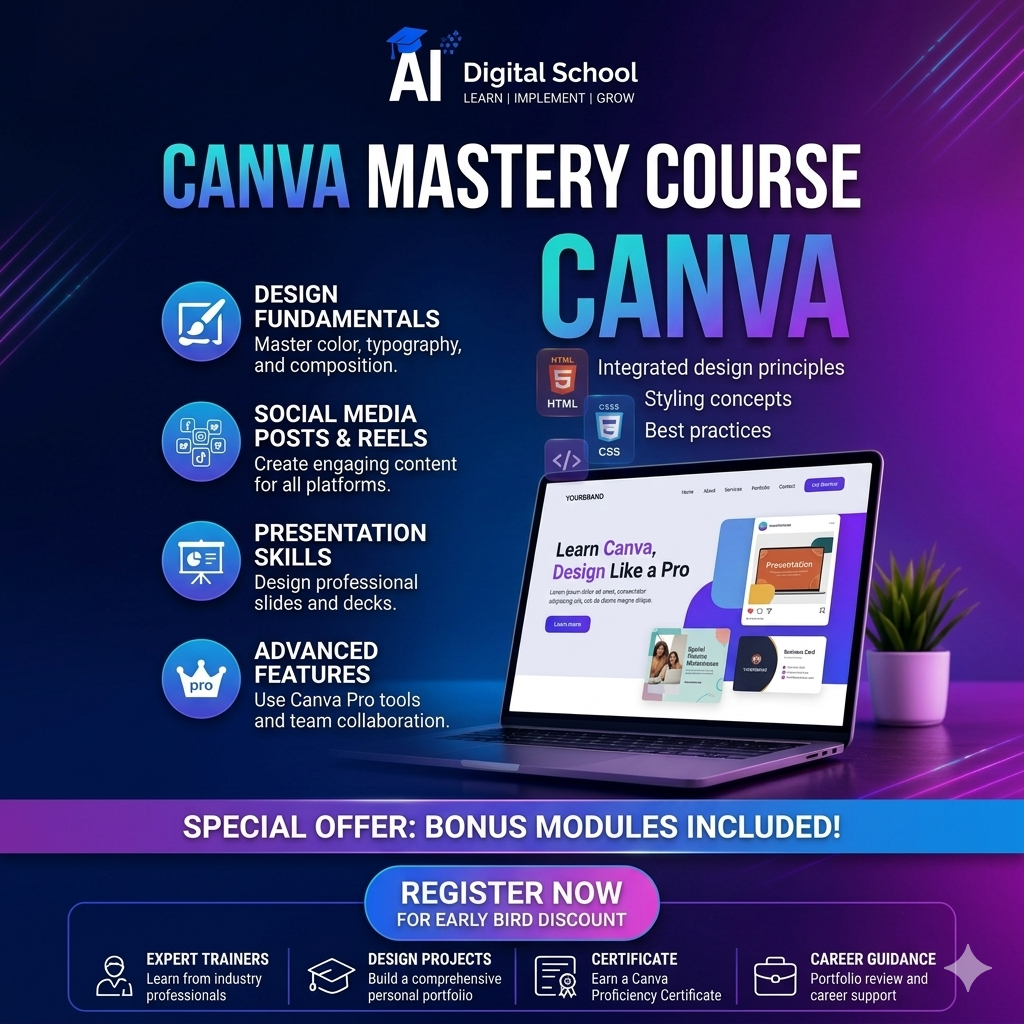
The Canva Mastery Course is open to anyone who wants to learn professional graphic designing and visual content creation, regardless of prior experience. Students, freshers, working professionals, digital marketers, social media managers, freelancers, content creators, entrepreneurs, and business owners can enroll in this course. It is especially helpful for individuals who want to create high-quality social media posts, marketing creatives, presentations, and branding materials on their own. Beginners with no design or technical background can also join, as the course is taught step by step from the basics to advanced levels.
Canva Mastery Course Modules Description
The Canva Mastery Course is structured into practical and industry-focused modules that guide learners from beginner to advanced level. The course starts with an introduction to Canva, covering the interface, tools, and workspace. It then moves into design fundamentals such as color combinations, typography, layout, and visual balance. Learners are trained to work with templates and create professional designs for social media, advertisements, logos, branding, presentations, and print materials. The course also covers exporting files in the correct formats and optimizing designs for digital and print use. Real-world projects, live assignments, and portfolio creation are included to provide hands-on experience. In the final stage, learners receive guidance on freelancing and monetizing Canva skills, helping them turn their creativity into a career or income source.
FAQs (Frequently Asked Questions)
Q: Is this course for beginners?
Yes! Anyone with zero design experience can join and learn step-by-step.
Q: Do I need to pay extra for Canva Pro?
No — we teach both Free and Pro workflows (Optional Pro helps but not required).
Q: Will I get certificate?
Yes — you’ll receive a certificate after completing all assignments.
Q: How long is the course?
The course runs for weeks/months depending on your pace — flexible learning.
Q: Can I join a demo class?
Yes — AI Digital School offers a free demo class before enrollment.
We Provid
Digital Marketing Course Module